

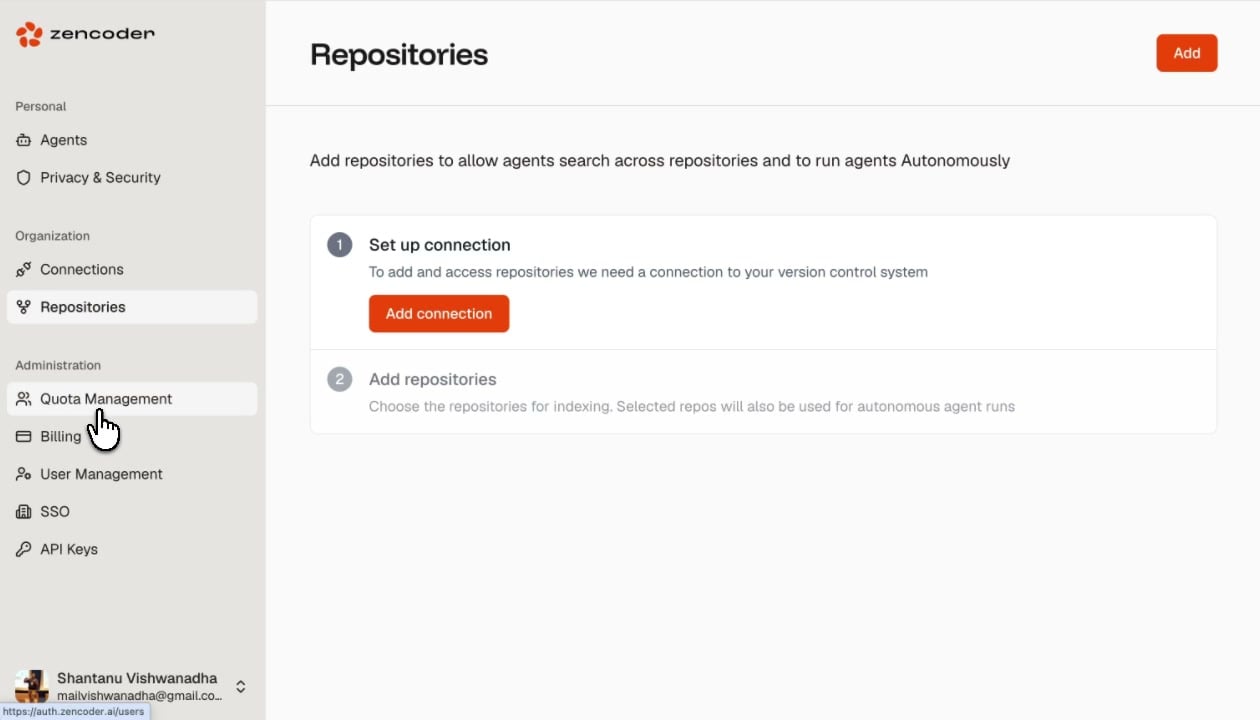
Adding Repositories
1
Set up a connection
If you haven’t already, add a connection to your version control system.
2
Add repositories
Click the Add button in the top-right corner. Select the repositories you want to index from your connected VCS provider.
What Indexing Enables
Repository indexing is required before agents can work autonomously. IDE Agent features (inline chat, autocomplete) work without indexing — they use the locally open project.