

Setting Up a Connection
1
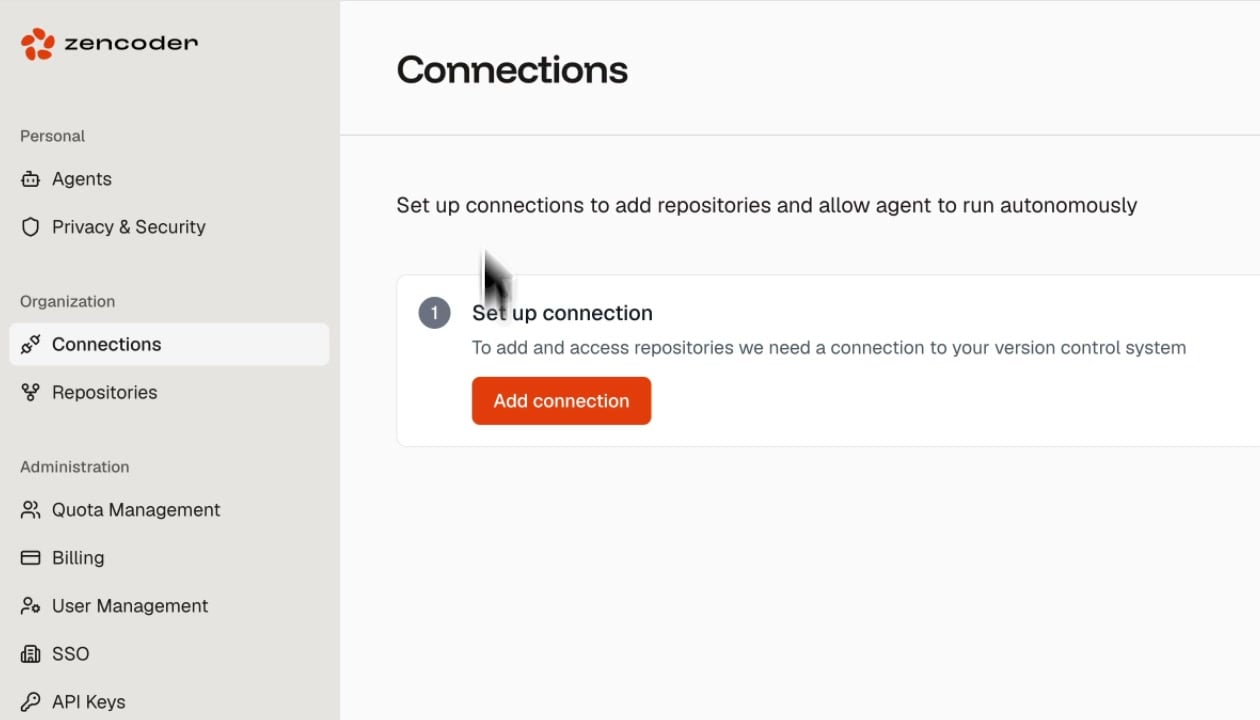
Click Add connection
On the Connections page, click the Add connection button.
2
Select your provider
Choose your version control system (GitHub, GitLab, or Bitbucket).
3
Authorize access
Follow the OAuth flow to grant Zencoder access to your repositories. You can scope access to specific organizations or repositories.
Connections are organization-scoped. Once a connection is set up, all team members in your Zencoder organization can access the linked repositories.