

This extended integration requires a paid Zencoder account.
Overview
The Pipedream Integration Catalog gives Zenflow agents access to over 2,000+ external apps, services, and API connectors. If a service has an API, you can easily connect it and enable your agent to read, write, and synchronize data across your tech stack.Pipedream integrations are enabled securely via the Zenflow Integrations Catalog.
Connecting Any Pipedream Integration
Follow these steps to connect any external app or service from the Pipedream catalog to Zenflow:1
Open Settings & Integrations
Navigate to Settings → Integrations in the Zenflow sidebar.
2
Search for Your App
In the search bar, type the name of the integration you want to connect (e.g., Shopify, Airtable, Hugging Face).
3
Click Add/Connect
Click the [+] or Connect button next to the app’s card.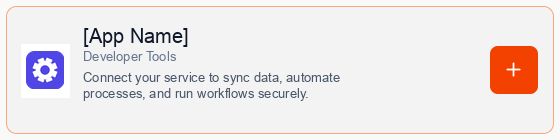
4
Consent to Connection
A secure popup window will open asking for permission to connect your account via Pipedream. Click Continue to proceed.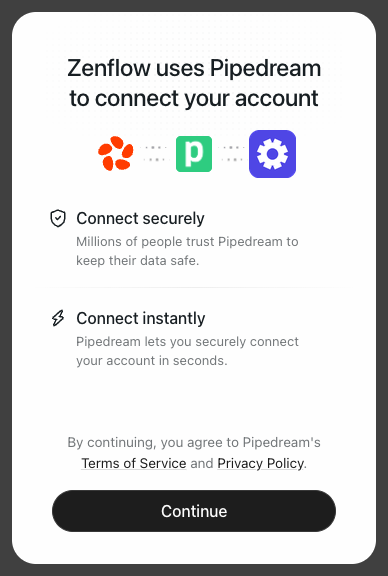
5
Authorize Connection
Follow the prompts in the authorization window depending on the app’s authentication type: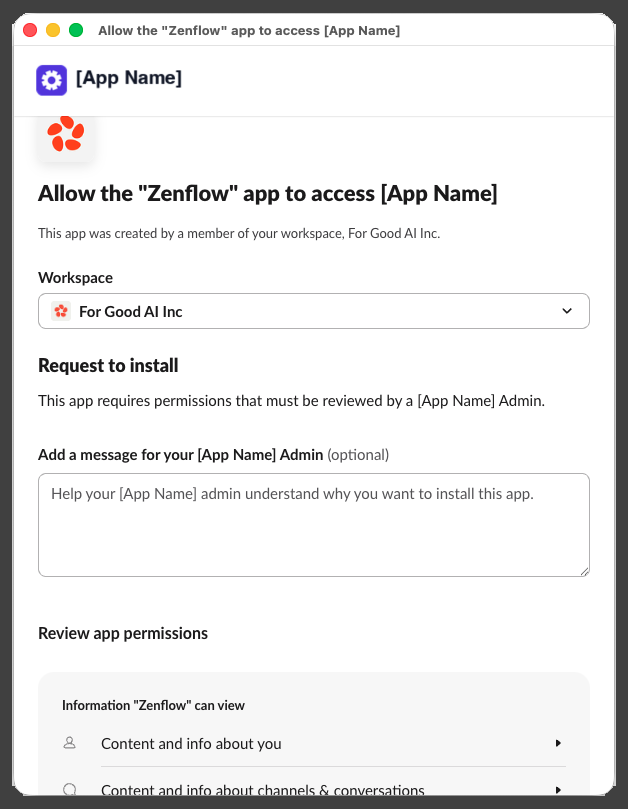
Option A: OAuth-Supported Apps
For apps supporting OAuth (such as Slack, Google Workspace, Salesforce), click Authorize to log in and grant access.Option B: API Key-Supported Apps
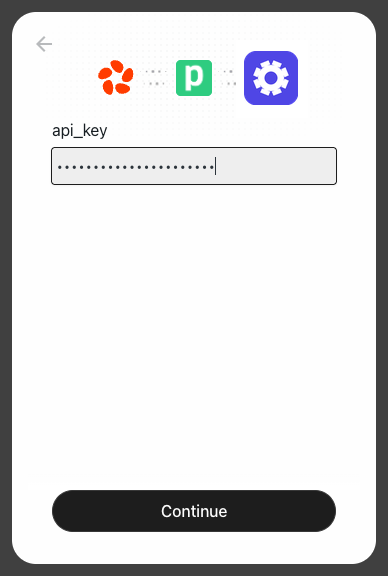
For apps requiring an API Key or Secret Token (such as OpenAI, Hugging Face, Stripe), paste your credentials into the input field and click Continue.6
Complete Setup
A progress window will briefly indicate that the account connection is in progress, followed by a confirmation.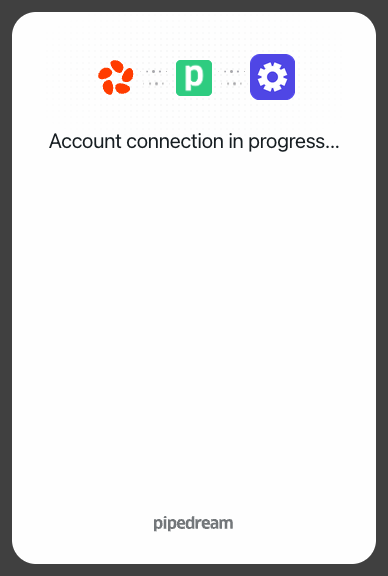
What Your Agents Can Do
Once connected, your Zenflow agents can use the integration to help automate repetitive tasks, which may include capabilities such as:- Query APIs — Retrieve records, check statuses, and pull logs from external services.
- Push Updates — Automatically create records, post messages, or trigger workflows in your other apps.
- Listen for Events — Use webhook triggers to run agents on schedules or live events.
- Sync Datasets — Securely share and map details between different tools without writing code.