The Privacy & Security page gives you control over your account security — active sessions, device management, and multi-factor authentication.
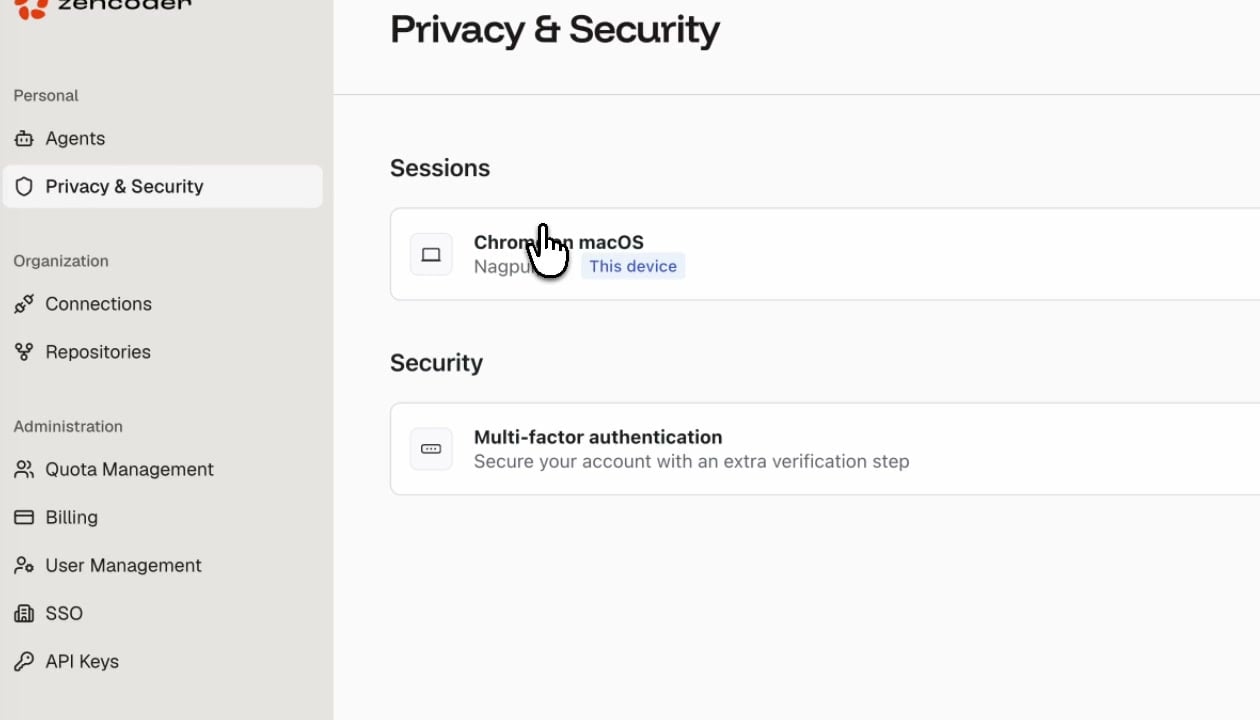
Sessions
View all devices currently signed in to your Zencoder account. Each session shows:
You can revoke any session to sign out that device immediately.
Security
Multi-Factor Authentication
Enable MFA to add an extra verification step when signing in. Once enabled, you’ll need to provide a second factor (authenticator app or security key) in addition to your password.
Enabling MFA is recommended for all accounts, especially those with Admin or Manager roles.

