User Management lets admins invite team members, assign roles, and control access across the organization.

Inviting Users

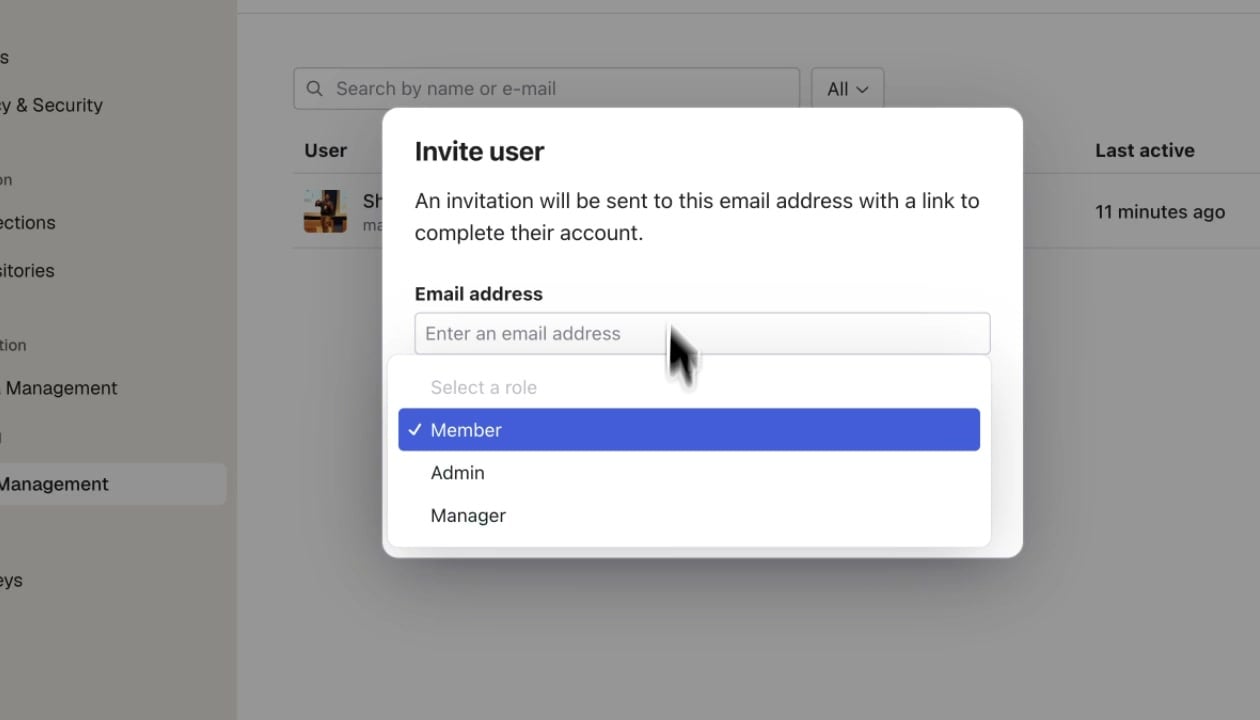
Click the Invite button to add a new team member. Enter their email address and select a role: Invite user dialog showing email address field and role selector with Member, Admin, and Manager options An invitation email is sent with a link to complete account setup.
Roles

User List

The user table shows all organization members with:
  • Name and email — User identity
  • Role — Current role assignment
  • Status — Active, Invited, or Deactivated
  • Last active — When the user was last active on the platform
Use the search bar to find users by name or email. Filter by role using the dropdown.