

This extended integration requires a paid Zencoder account.
Overview
Zencoder is an AI teammate for Slack. Mention @zencoder in a channel, thread, or DM to plan work, manage tasks, answer questions about your projects, create automations, or start an AI coding agent on your connected repo. Zencoder combines chat-based project management with autonomous software engineering. It can update Zenflow tasks, summarize progress, schedule recurring workflows, and when code changes are needed, launch an isolated agent that works on the repo and opens a GitHub pull request for review. Zencoder supports multi-model workflows, choose the best model for each task, or let Zencoder decide.Connecting Slack
Follow these steps to connect Slack to Zenflow: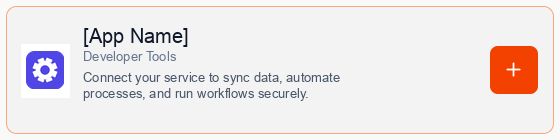
Consent to Connection
A secure popup window will open asking for permission to connect your account. Click Continue to proceed.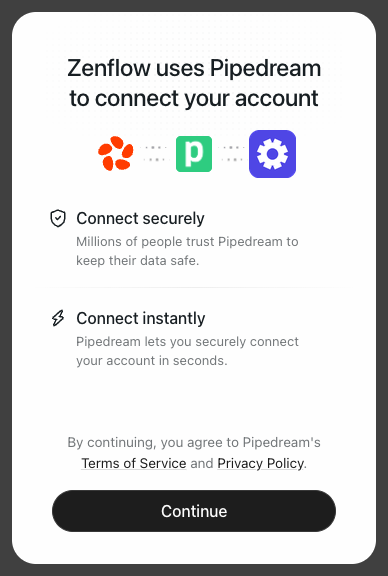
Authorize Connection
Authenticate and authorize Zencoder via the secure Slack OAuth popup window to add Zencoder to your workspace.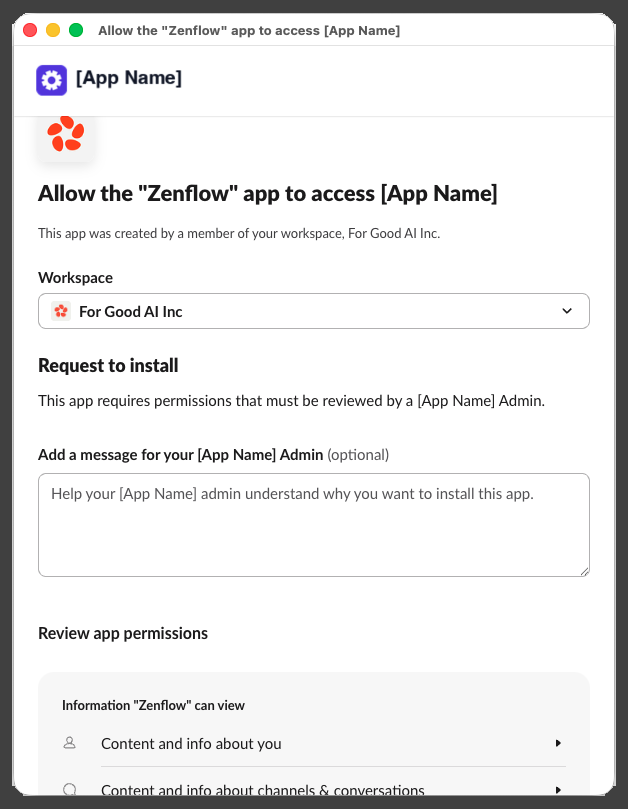
Complete Setup
A progress window will briefly indicate that the account connection is in progress, followed by a confirmation.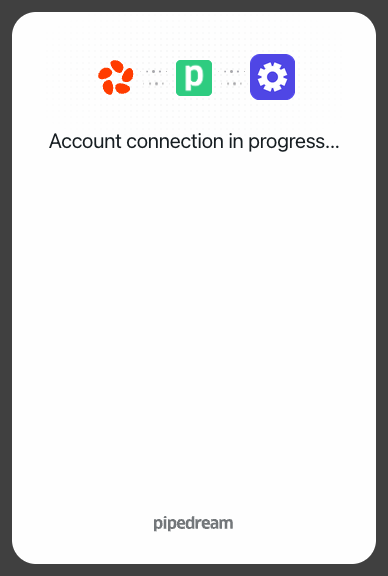
Work with Zencoder in Slack
Send a direct message Start a private conversation with @zencoder for task planning, project questions, or coding requests. Mention Zencoder in any thread Bring Zencoder into engineering discussions and ask it to summarize, plan, create tasks, or start implementation. Continue the conversation Reply in the same thread with follow-ups. Zencoder keeps the context and updates the work as it moves forward. Collaborate on code Ask @zencoder to fix bugs, add tests, refactor code, or implement features. Zencoder runs the work remotely and returns a GitHub pull request for review.Built for your daily workflows
Kick off coding tasks
Debug issues, implement changes, and open PRs directly from Slack.Example:
@zencoder fix the login bug in backend-api and open a PRTurn threads into tasks
Convert product, support, marketing, content or engineering discussions into structured Zenflow tasks.Example:
@zencoder create an implementation task from this threadTrack project progress
Ask what is pending, blocked, in progress, or ready for review.Example:
@zencoder summarize what is in progress this weekPut the routine on autopilot
Create recurring workflows without leaving Slack like daily standups, weekly reporting, and checklists.Example:
@zencoder create a competitor research task for every Monday at 9amWork across your tools
Pull info and take action across Gmail, HubSpot, Drive, Sheets, Amplitude, LinkedIn, Zoom, and more.Example:
@zencoder pull this week's top deals from HubSpot and post a summary hereChoose the right model
Use faster models for quick answers and stronger ones for complex work or let Zencoder pick.Example:
@zencoder use the best model for this and draft the planSecure, and always in your control
- Zencoder works within the Slack permissions your workspace authorizes.
- Coding tasks run in isolated environments.
- SOC 2 Type II, ISO 27001, and ISO 42001 certified. Full audit trails, zero model training on your data.
- Teams stay in control before changes are merged.
FAQ
What can Zencoder do in Slack?
What can Zencoder do in Slack?
Zencoder can manage Zenflow tasks, answer project questions, create automations, and start AI coding agents that open pull requests.
Can Zencoder write code from Slack?
Can Zencoder write code from Slack?
Yes. Ask @zencoder to fix bugs, add tests, refactor code, or implement features. Zencoder returns a GitHub PR for review.
Can I choose which model to use?
Can I choose which model to use?
Yes. Zencoder supports multi-model workflows. Choose a model in your prompt or let Zencoder pick one.
Can Zencoder create automations?
Can Zencoder create automations?
Yes. Zencoder can create recurring tasks, reminders, summaries, and workflow automations directly from Slack.