

Overview
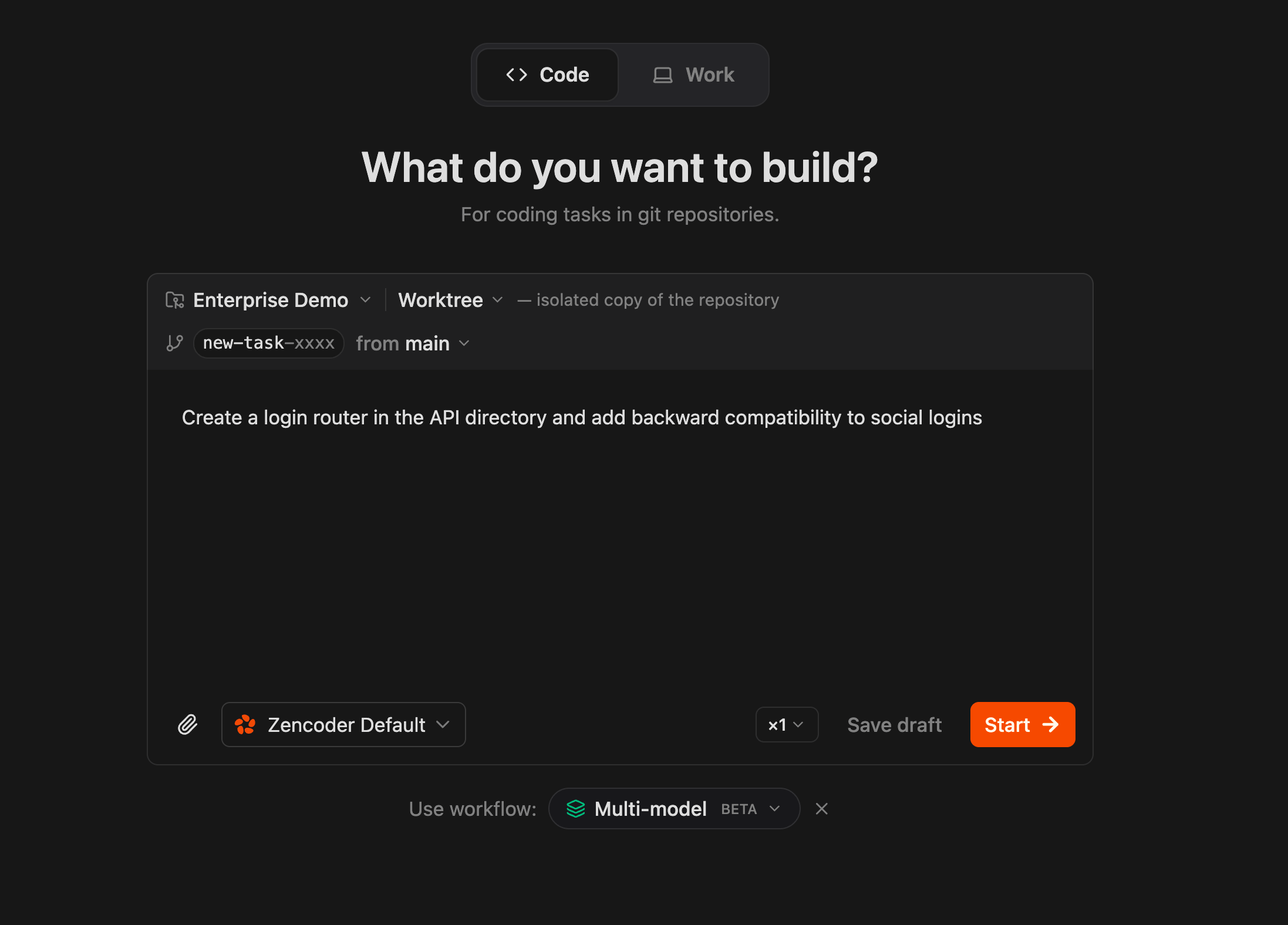
Zenflow workflows are built from steps. Each step can run with a different agent, model, and configuration — a planning-focused model for the planning step, a fast model for implementation, and multiple independent reviewers in parallel for code review.The Three Phases
Most multi-model workflows break into three phases. Each has a different quality/efficiency tradeoff:| Phase | What matters | Good fit |
|---|---|---|
| Planning | Reasoning depth, architecture decisions, spec quality | Claude Opus, GPT-5.4 |
| Implementation | Speed, code generation, tool use | Gemini Flash, Claude Sonnet, Codex |
| Review | Catching issues the implementation model missed | A different model than the one that wrote the code |
Why Cross-Model Review Matters
A model reviewing its own output is less likely to catch issues — it tends to agree with its own reasoning. A different model brings a different set of assumptions and catches different classes of problems. For higher-stakes changes, running multiple reviewers in parallel gives broader coverage than a single reviewer regardless of which model you pick.Two Approaches
Agent Presets
Define named model configurations in Settings and bind them to workflow steps. Best for sequential workflows reused across tasks.
Subagent Pipelines
Spawn isolated sub-processes with different models, contexts, and skills. Best for parallel execution and context isolation.
Choosing Your Approach
| Situation | Recommended approach |
|---|---|
| Small task, clear scope | Single model, no preset needed |
| Recurring workflow, sequential steps | Agent Presets with <!-- agent: preset-name --> |
| Higher-stakes change needing multi-model review | Sequential review presets |
| Need parallel review or context isolation | Subagent Pipelines |
| Want multi-model review without a full pipeline | /comprehensive-review from chat |
Runtime Model Switching
You don’t have to define everything upfront. During any step, you can switch the active model from the chat composer dropdown. This is useful when:- A step is stuck and you want to try a different model
- You want a quick second opinion on a specific question
- The default preset for a step isn’t performing well on a particular task
Practical Guidelines
- Start simple. A two-preset setup (planner + implementer) already captures most of the value. Add review presets or the full Subagent pipeline when the task warrants it.
- Don’t use the full pipeline for small tasks. A three-phase Subagent pipeline has real overhead. For a small bug fix, a single model is faster and equally effective.
- Match model strengths to phase requirements. Planning needs reasoning depth. Implementation needs speed. Review needs a different perspective.
- Use the spec as the coordination artifact. When different models handle different phases, the plan or spec is what keeps them aligned.
Deep Dives
Agent Presets
Named model configs assigned to workflow steps
Subagent Pipelines
Parallel execution with isolated contexts
Review Rubric
Structured evaluation criteria for review steps