

This extended integration requires a paid Zencoder account.
Overview
The Google Sheets integration enables Zenflow agents to read, write, and format data inside Google Sheets. Create spreadsheets, update rows, analyze tabular data, and build real-time trackers — perfect for automated reporting and data management.Connecting Google Sheets
Search for Google Sheets
Locate Google Sheets in the Integrations Catalog and click the Connect or [+] button.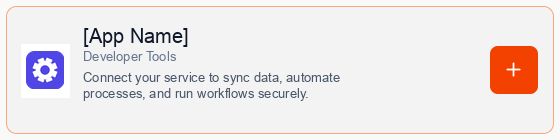
Consent to Connection
A secure popup window will open asking for permission to connect your account. Click Continue to proceed.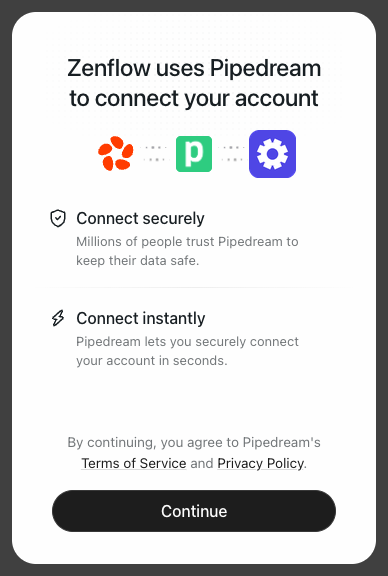
Authorize Connection
Authenticate and authorize Zenflow via the secure Google OAuth popup window to grant the required file access scopes.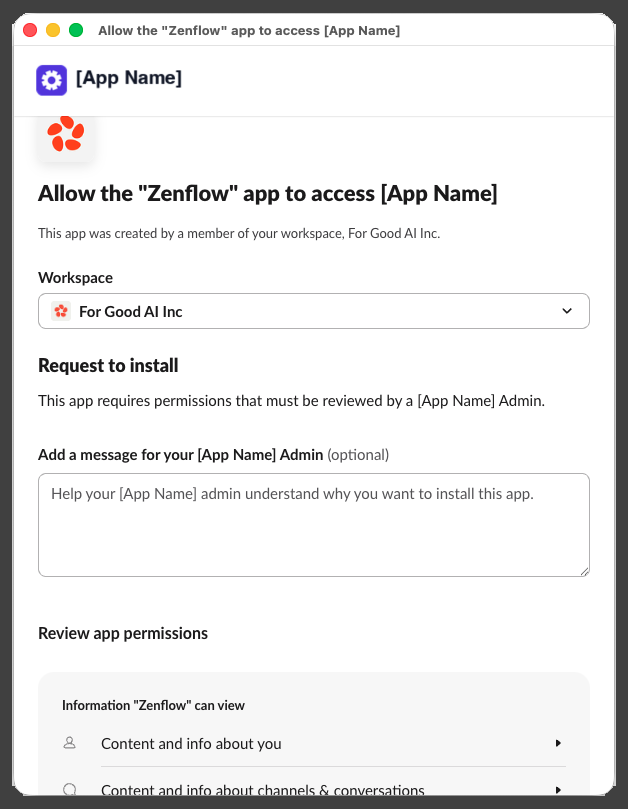
What the Agent Can Do
- Read Sheets — Retrieve values, rows, and sheets metadata
- Write Data — Append rows, update cells, and insert new data
- Format Cells — Style sheets, add headers, and adjust column widths
- Manage Files — Create and share new spreadsheets
Example Use Cases
- Export lead information from CRM or forms into a Google Sheet
- Maintain an active status report of git pull requests and build status
- Automatically compile weekly or monthly marketing analytics report
- Update financial and budgeting tables based on Stripe payment events