> ## Documentation Index
> Fetch the complete documentation index at: https://docs.zencoder.ai/llms.txt
> Use this file to discover all available pages before exploring further.
# SSO
> Configure Single Sign-On for your Zencoder organization.
Single Sign-On (SSO) allows your team to authenticate through your organization's identity provider instead of individual Zencoder credentials.
 ## Setting Up SSO
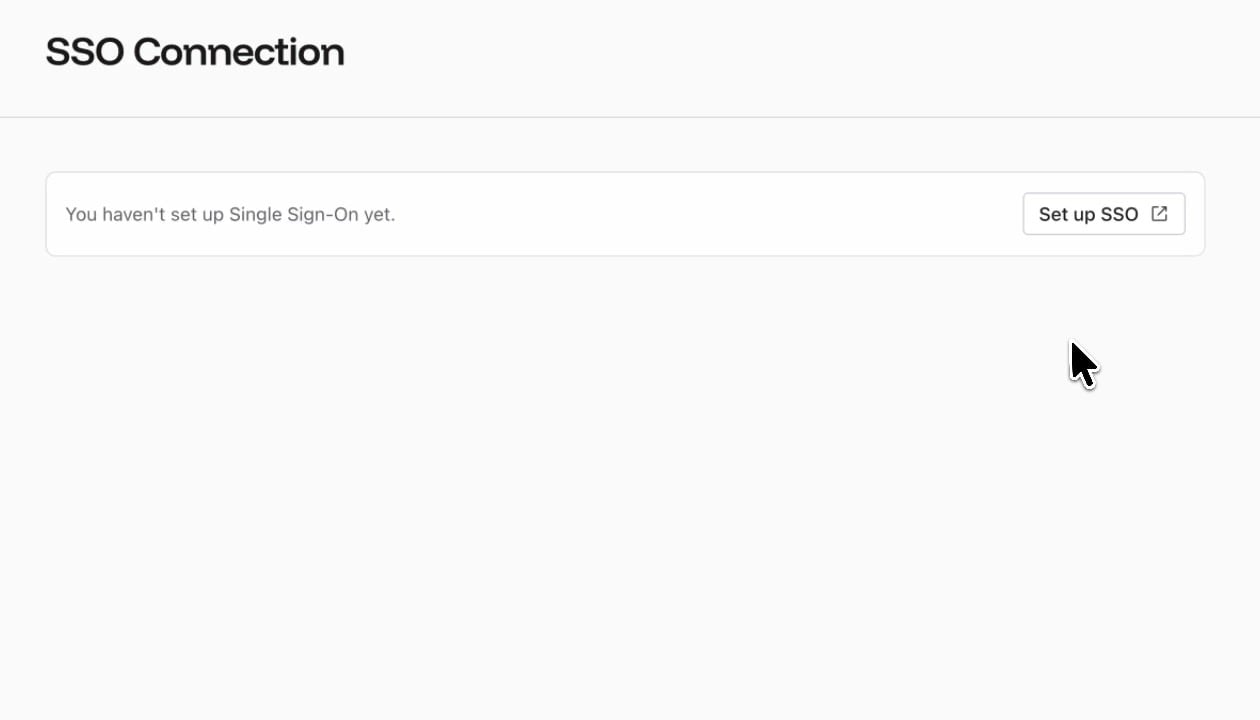
Click **Set up SSO** to configure your identity provider. The setup wizard walks you through connecting your IdP (e.g., Okta, Azure AD, Google Workspace) with Zencoder.
## Benefits
| Benefit | Description |
| ------------------------------ | ------------------------------------------------------------------------------------------ |
| **Centralized authentication** | Users sign in through your existing IdP — no separate Zencoder passwords |
| **Automatic provisioning** | New team members get access when added to the appropriate IdP group |
| **Security compliance** | Enforce your organization's authentication policies (MFA, session length, IP restrictions) |
| **Simplified offboarding** | Removing a user from your IdP automatically revokes Zencoder access |
SSO is available on Team and Enterprise plans. Contact support if you need help with your IdP configuration.
## Setting Up SSO
Click **Set up SSO** to configure your identity provider. The setup wizard walks you through connecting your IdP (e.g., Okta, Azure AD, Google Workspace) with Zencoder.
## Benefits
| Benefit | Description |
| ------------------------------ | ------------------------------------------------------------------------------------------ |
| **Centralized authentication** | Users sign in through your existing IdP — no separate Zencoder passwords |
| **Automatic provisioning** | New team members get access when added to the appropriate IdP group |
| **Security compliance** | Enforce your organization's authentication policies (MFA, session length, IP restrictions) |
| **Simplified offboarding** | Removing a user from your IdP automatically revokes Zencoder access |
SSO is available on Team and Enterprise plans. Contact support if you need help with your IdP configuration.