> ## Documentation Index
> Fetch the complete documentation index at: https://docs.zencoder.ai/llms.txt
> Use this file to discover all available pages before exploring further.
# Privacy & Security
> Manage active sessions, devices, and multi-factor authentication for your Zencoder account.
The Privacy & Security page gives you control over your account security — active sessions, device management, and multi-factor authentication.
 ## Sessions
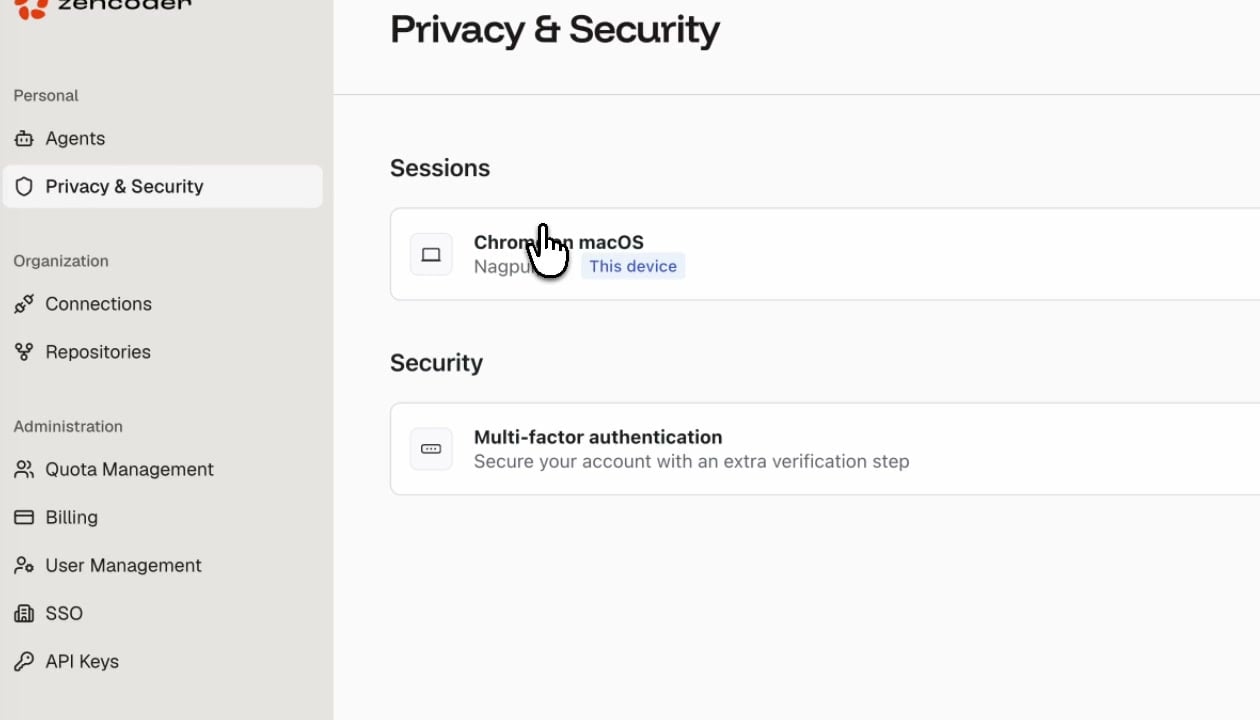
View all devices currently signed in to your Zencoder account. Each session shows:
| Field | Description |
| ---------------- | -------------------------------------------------------- |
| **Browser & OS** | The browser and operating system (e.g., Chrome on macOS) |
| **Location** | Approximate location based on IP address |
| **This device** | Badge indicating your current active session |
You can revoke any session to sign out that device immediately.
## Security
### Multi-Factor Authentication
Enable MFA to add an extra verification step when signing in. Once enabled, you'll need to provide a second factor (authenticator app or security key) in addition to your password.
Enabling MFA is recommended for all accounts, especially those with Admin or Manager roles.
## Sessions
View all devices currently signed in to your Zencoder account. Each session shows:
| Field | Description |
| ---------------- | -------------------------------------------------------- |
| **Browser & OS** | The browser and operating system (e.g., Chrome on macOS) |
| **Location** | Approximate location based on IP address |
| **This device** | Badge indicating your current active session |
You can revoke any session to sign out that device immediately.
## Security
### Multi-Factor Authentication
Enable MFA to add an extra verification step when signing in. Once enabled, you'll need to provide a second factor (authenticator app or security key) in addition to your password.
Enabling MFA is recommended for all accounts, especially those with Admin or Manager roles.