> ## Documentation Index
> Fetch the complete documentation index at: https://docs.zencoder.ai/llms.txt
> Use this file to discover all available pages before exploring further.
# API Keys
> Create and manage API keys for programmatic access to Zencoder.
API Keys provide programmatic access to Zencoder's API, enabling integrations with CI/CD pipelines, custom tooling, and third-party services.
 ## Creating an API Key
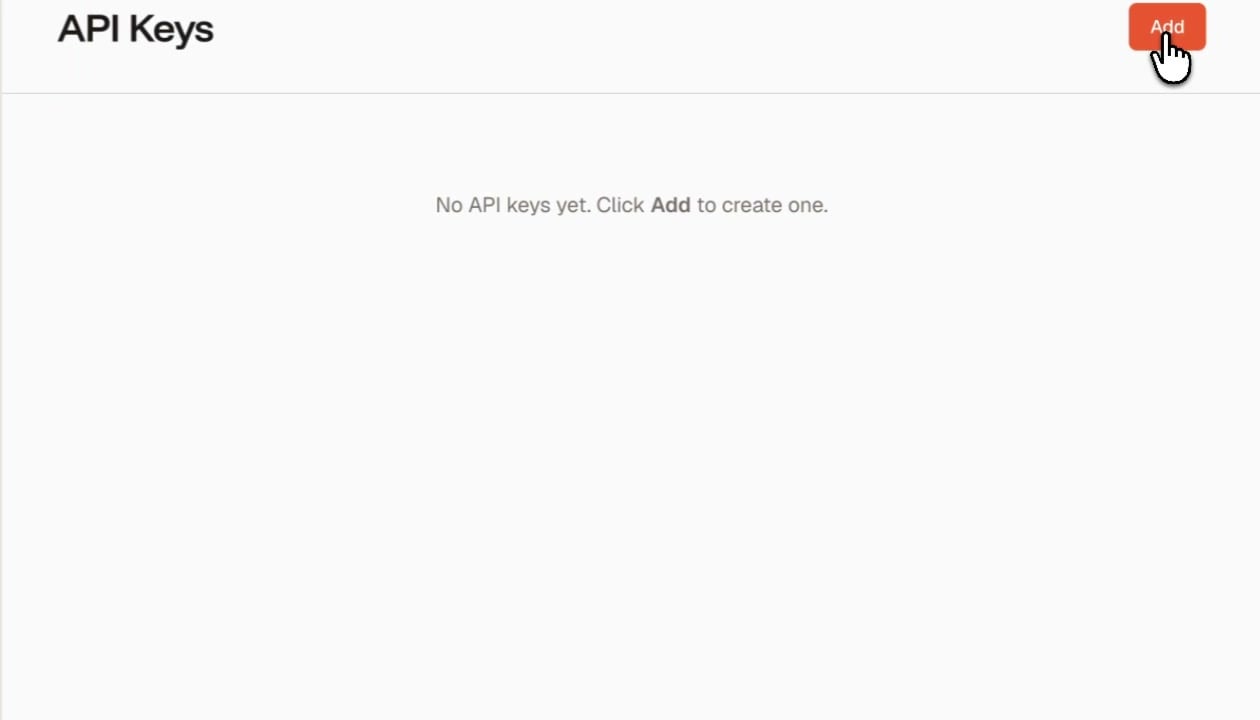
1. Click the **Add** button in the top-right corner
2. Give the key a descriptive name (e.g., "CI Pipeline", "GitHub Actions")
3. Copy the generated key immediately — it won't be shown again
API keys grant access to your organization's resources. Treat them like passwords — store them in environment variables or a secrets manager, never commit them to source control.
## Managing Keys
| Action | Description |
| ---------- | ---------------------------------------------------------------------------------------- |
| **View** | See key name, creation date, and last used date |
| **Revoke** | Permanently disable a key. Any integration using this key will stop working immediately. |
Create separate API keys for each integration so you can revoke access to one service without affecting others.
## Creating an API Key
1. Click the **Add** button in the top-right corner
2. Give the key a descriptive name (e.g., "CI Pipeline", "GitHub Actions")
3. Copy the generated key immediately — it won't be shown again
API keys grant access to your organization's resources. Treat them like passwords — store them in environment variables or a secrets manager, never commit them to source control.
## Managing Keys
| Action | Description |
| ---------- | ---------------------------------------------------------------------------------------- |
| **View** | See key name, creation date, and last used date |
| **Revoke** | Permanently disable a key. Any integration using this key will stop working immediately. |
Create separate API keys for each integration so you can revoke access to one service without affecting others.